
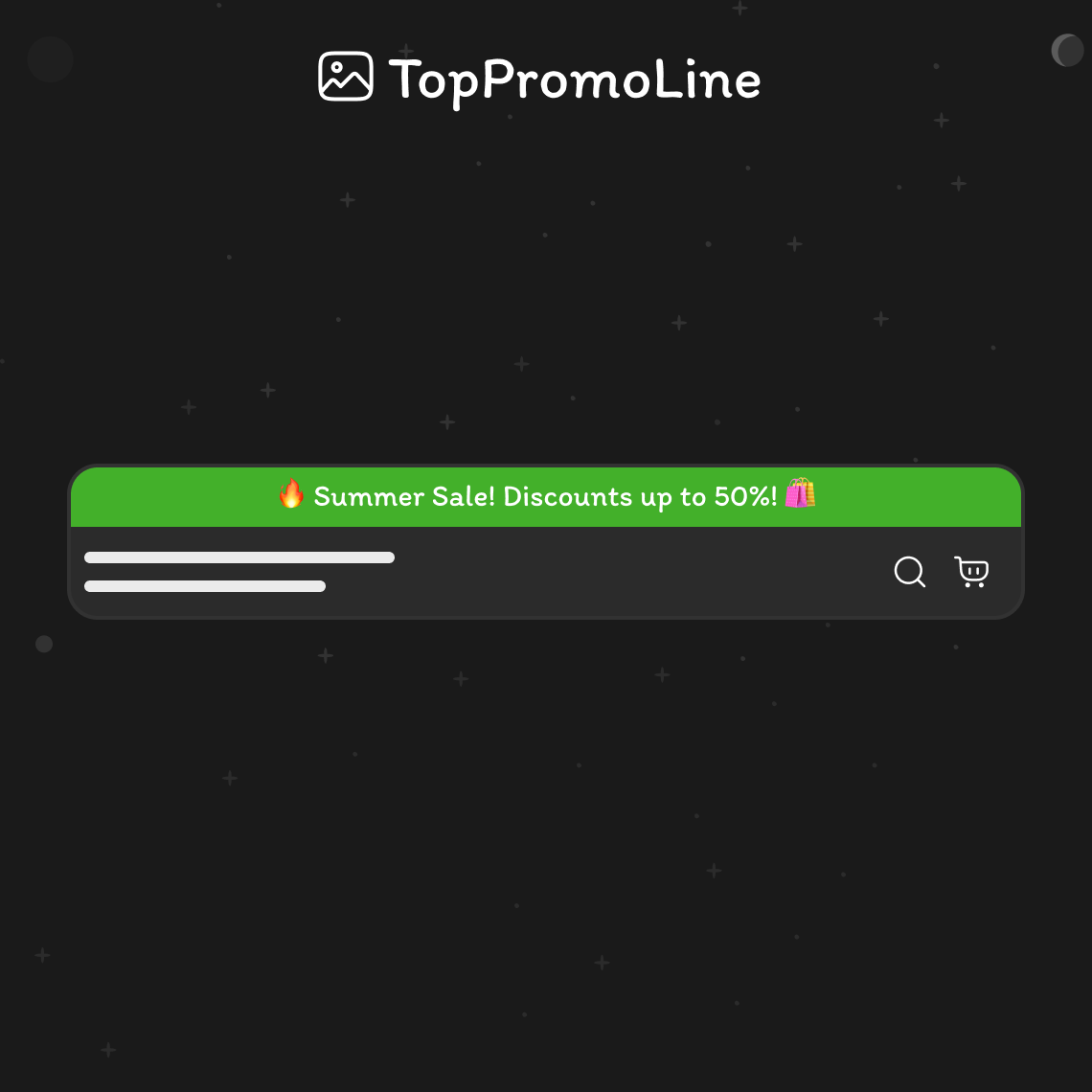
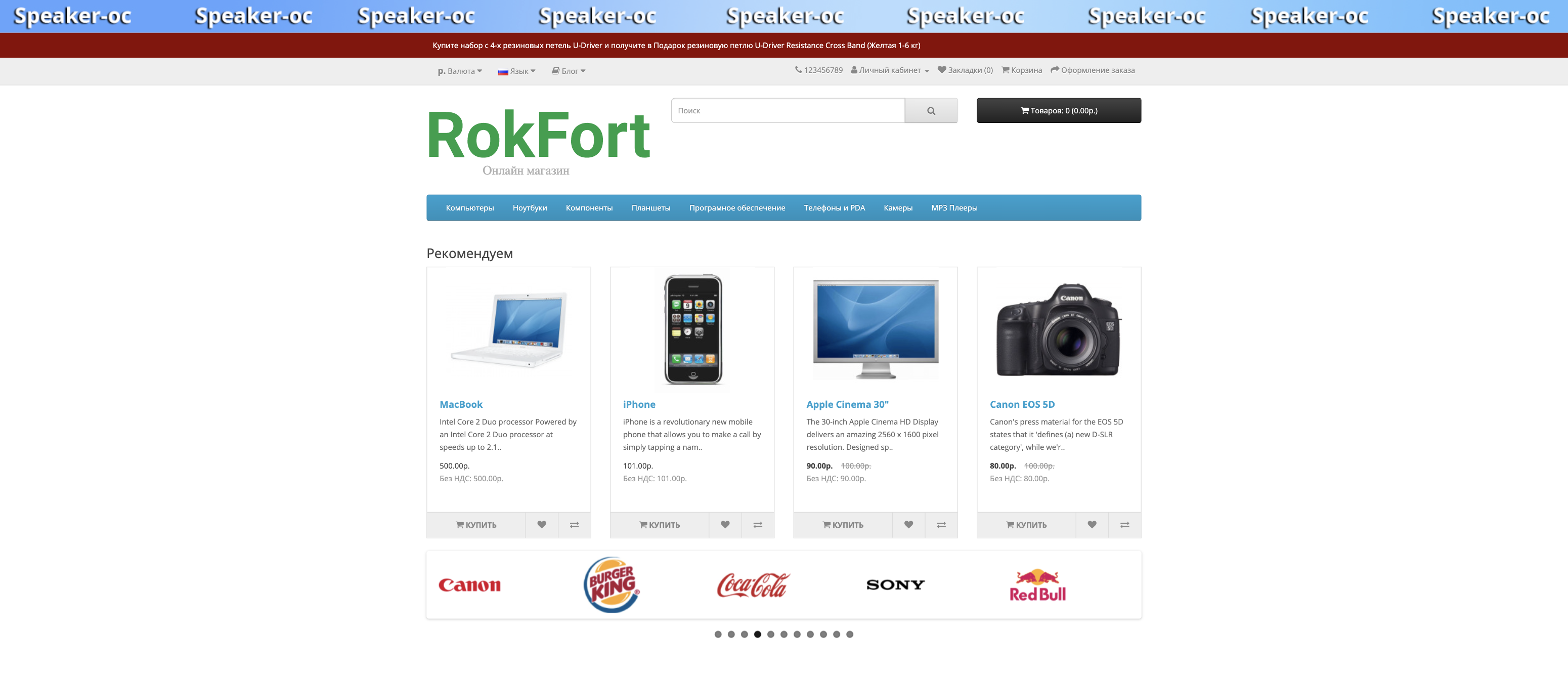
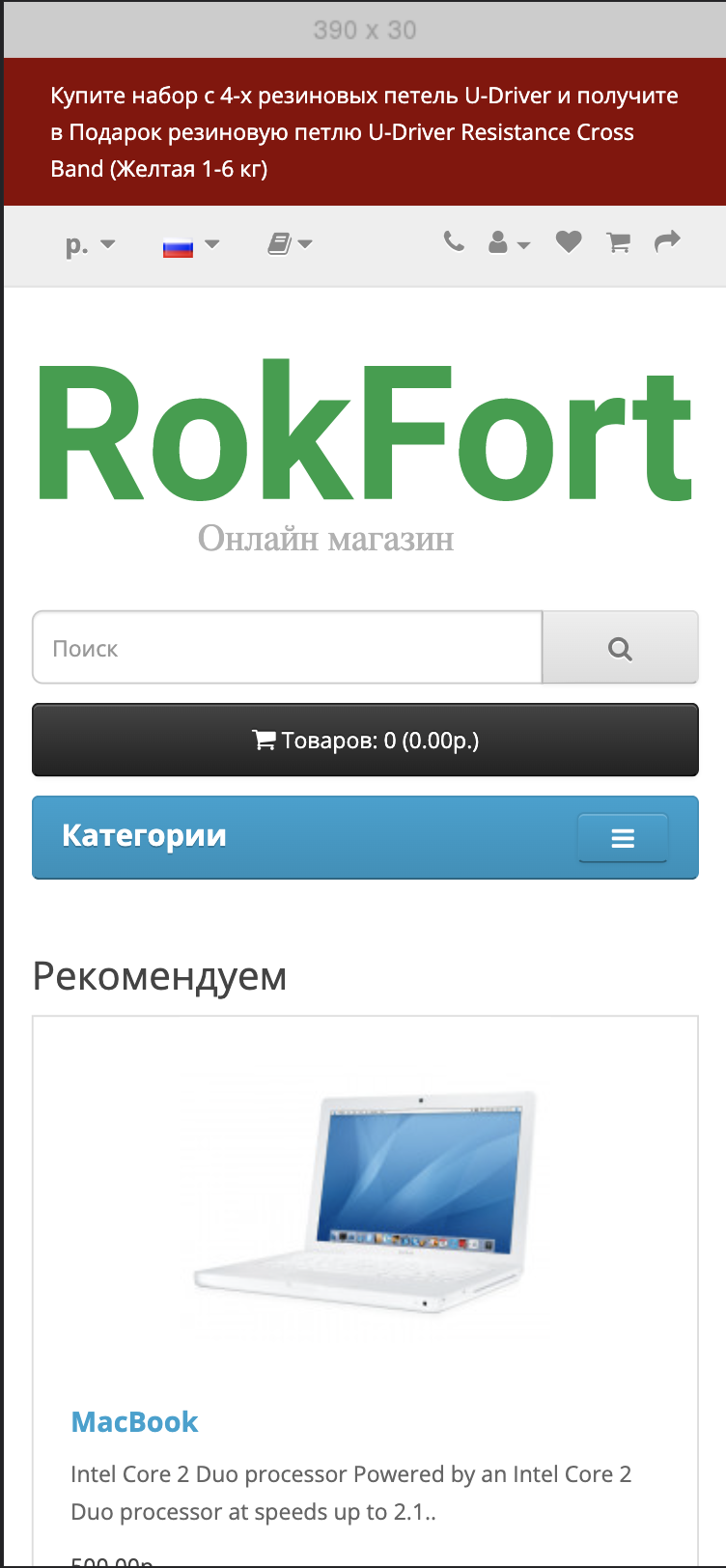
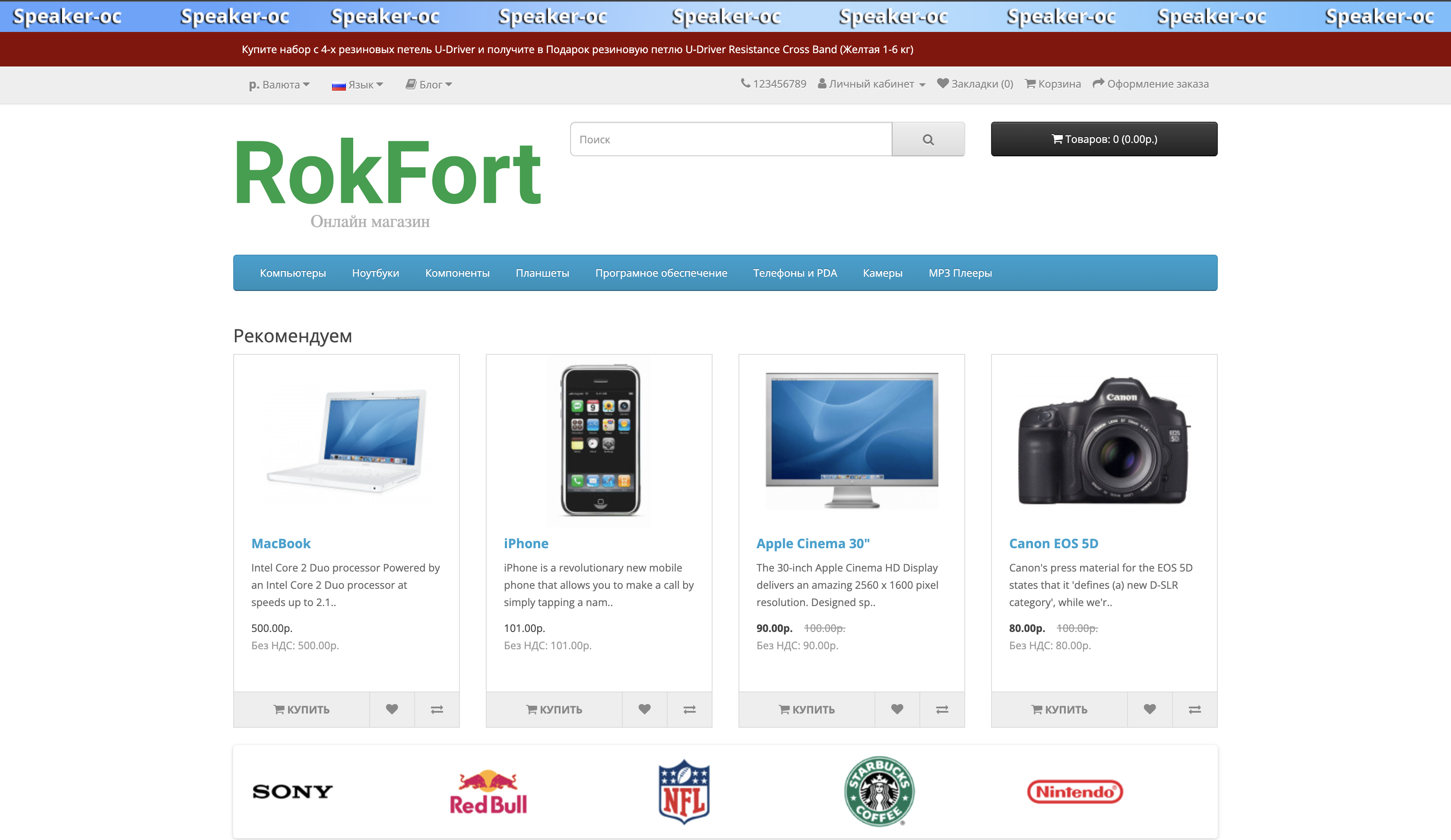
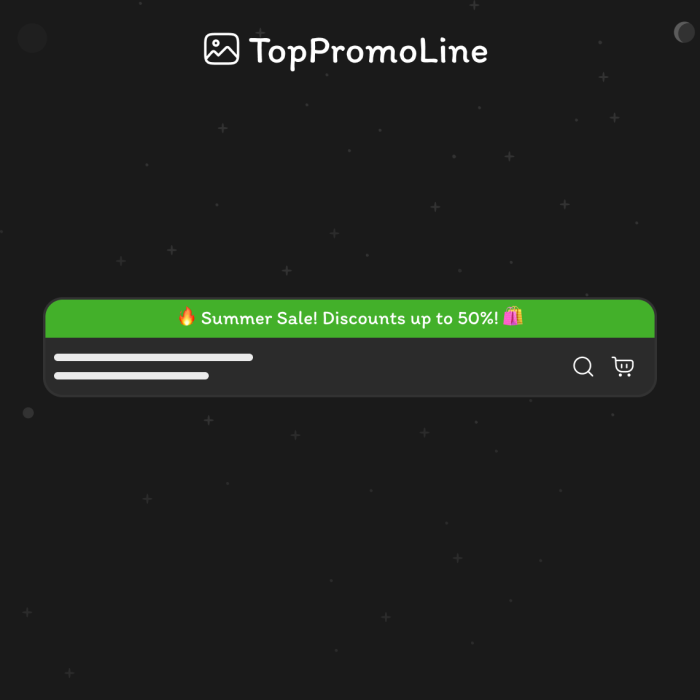
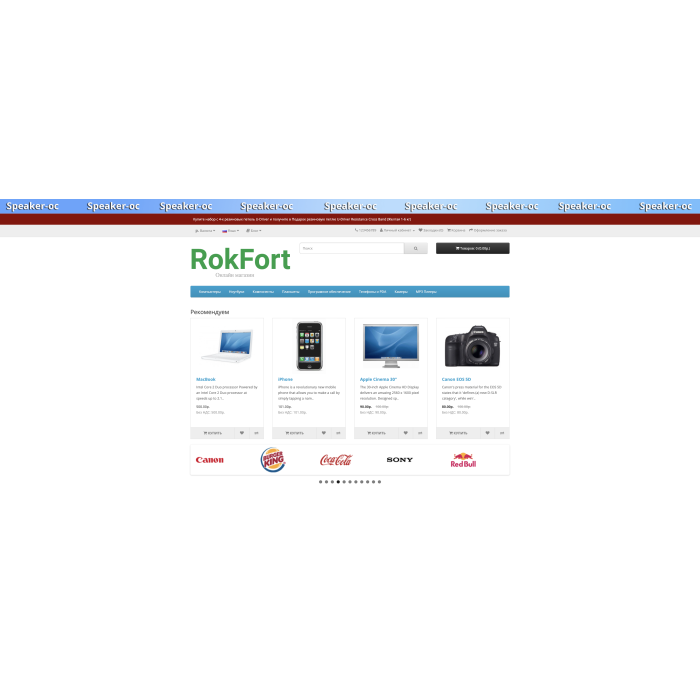
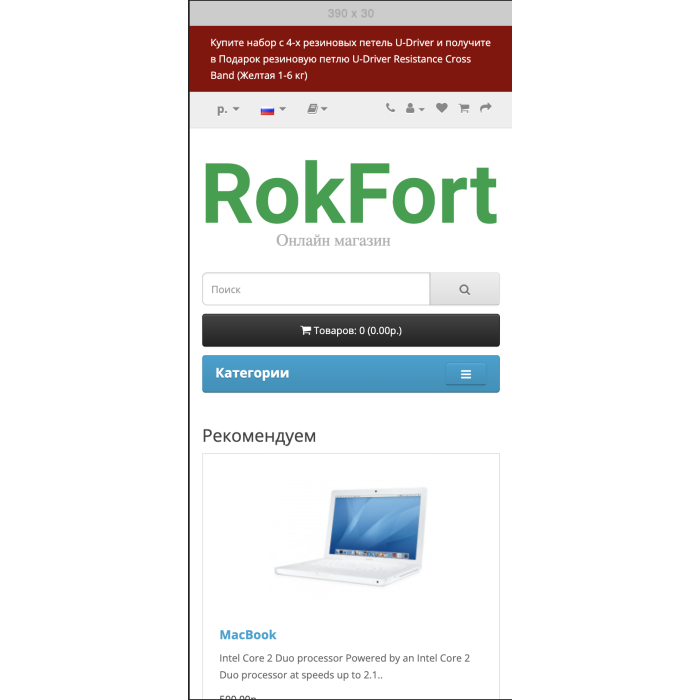
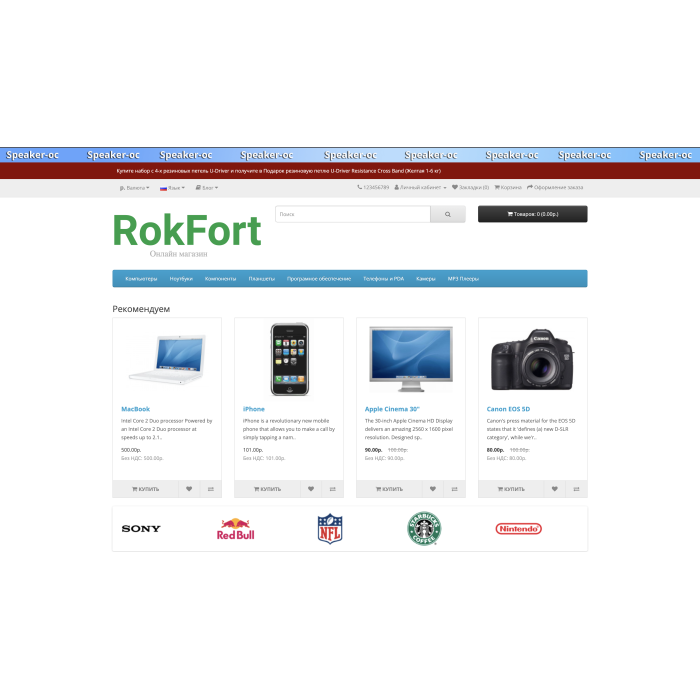

The information bar with a banner or text at the top of the website allows you to add a banner (image) with the desired screen width. This banner can serve both informational and advertising purposes. For example, it can be a banner saying "Black Friday," "Free Shipping," or a message about the delivery cost of a specific company — at your discretion. You can also add a text field where you write useful or important information for your customers.
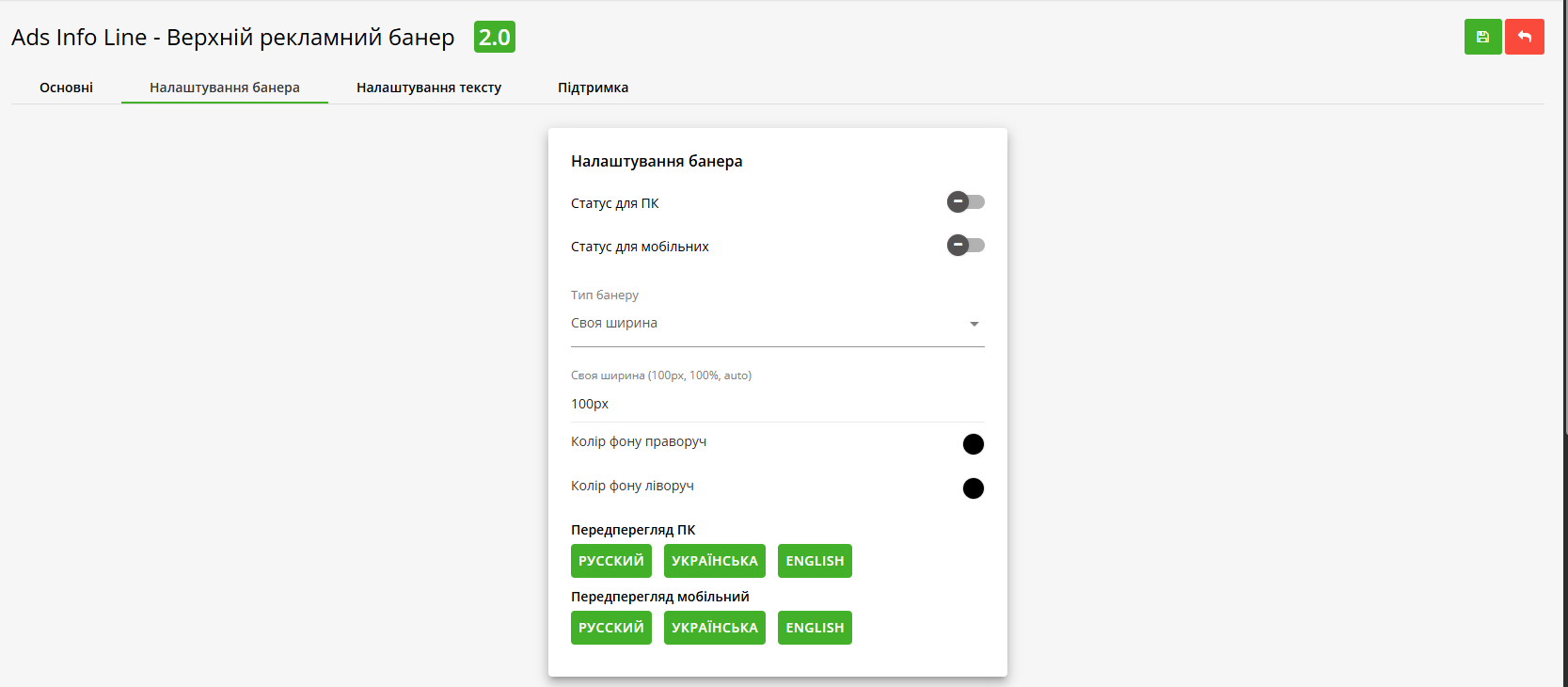
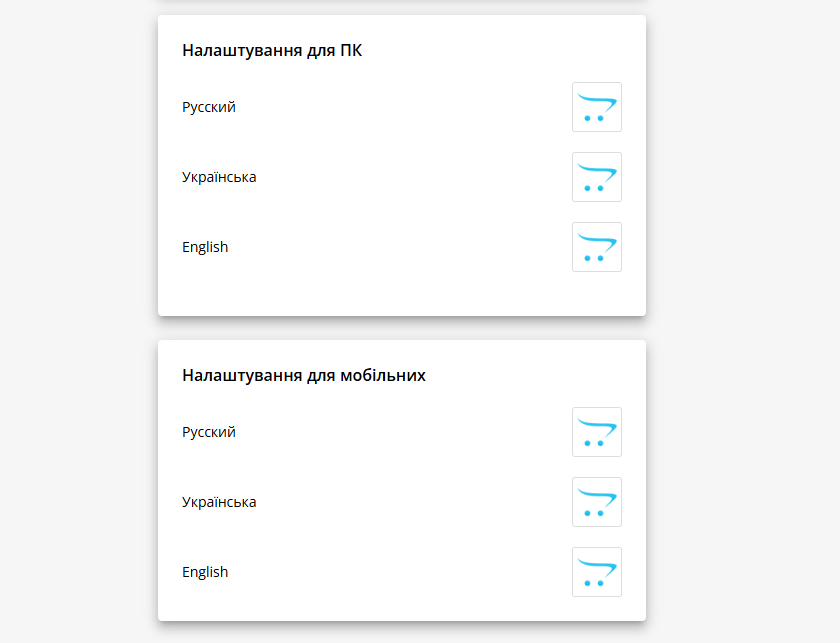
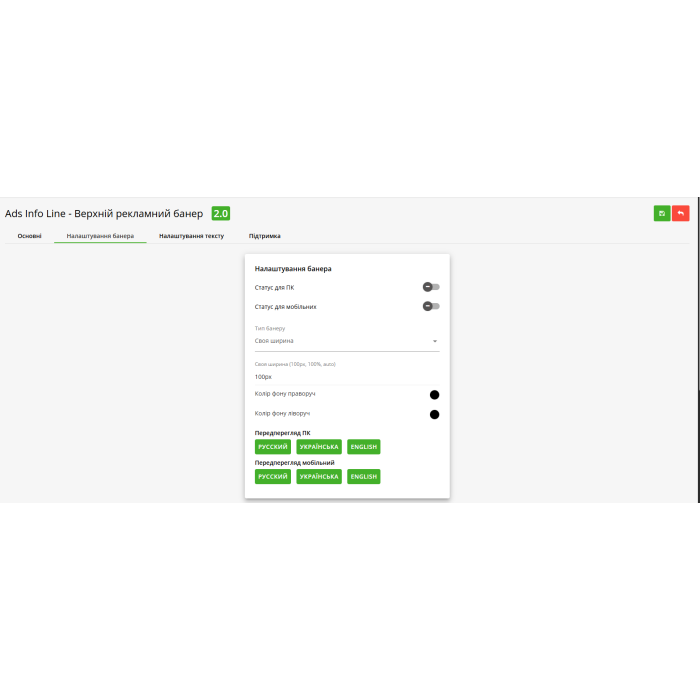
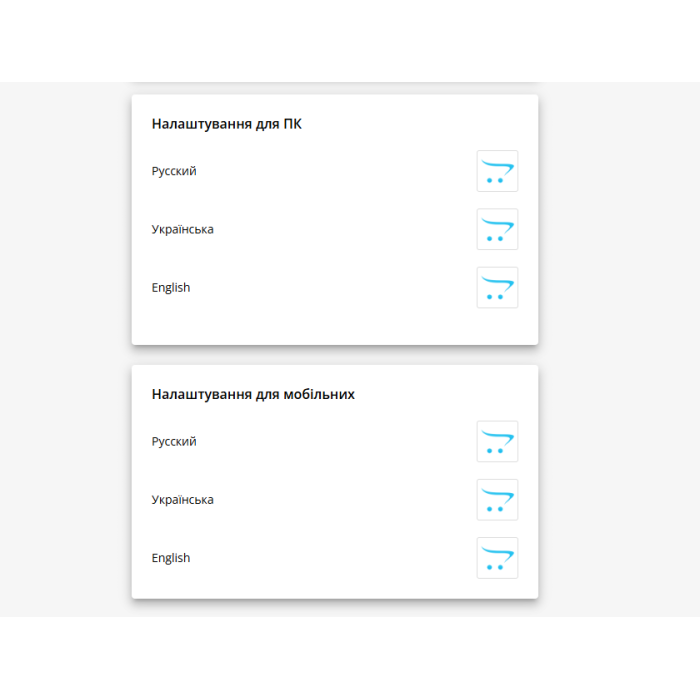
Regarding banners, you can enable and disable them separately for desktop, tablet, and mobile devices. You can assign a different banner for each language and use different banners for different devices. The banner can be displayed in three ways: full screen width, site width, or custom width that you specify manually in pixels or percentages. If the banner has different colors on the sides, you can set background colors on the left and right to create a smooth transition. The module includes a preview feature so you can immediately see how the banner will look on desktop or mobile devices.
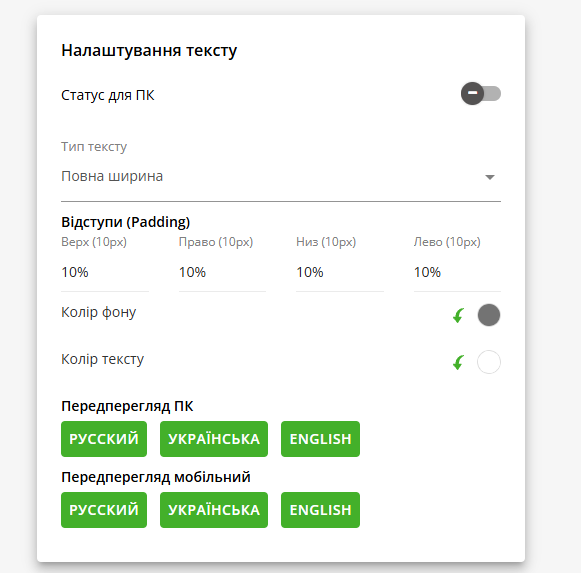
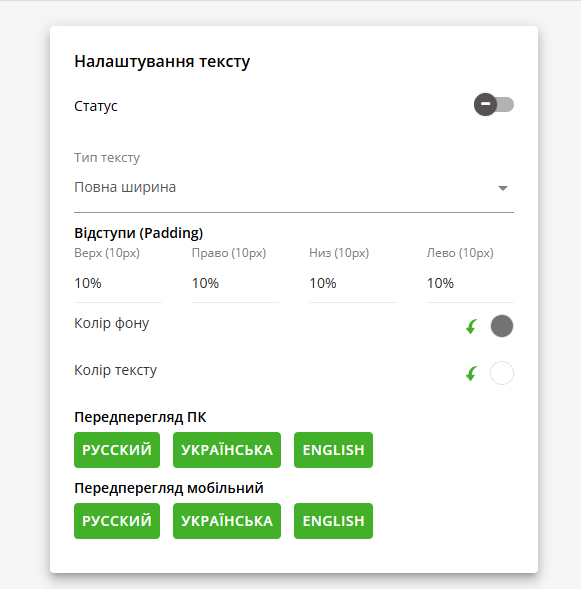
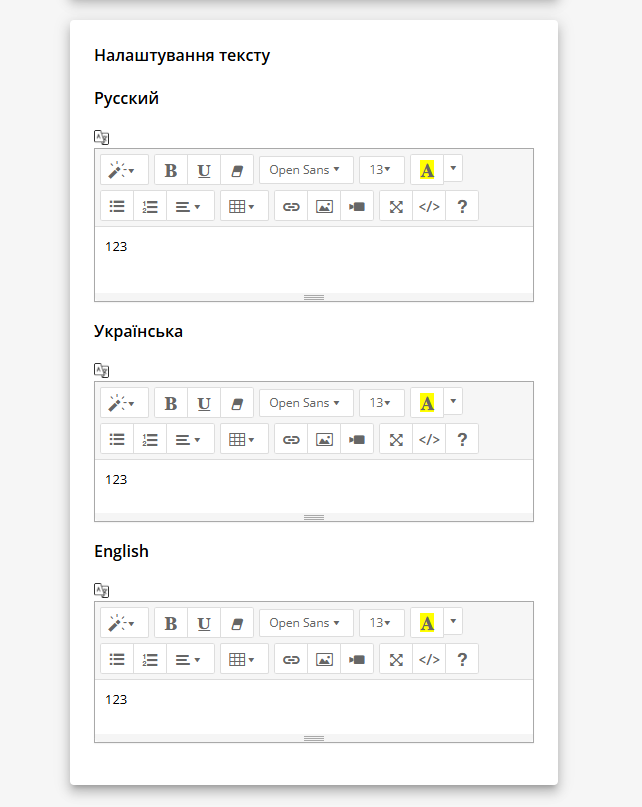
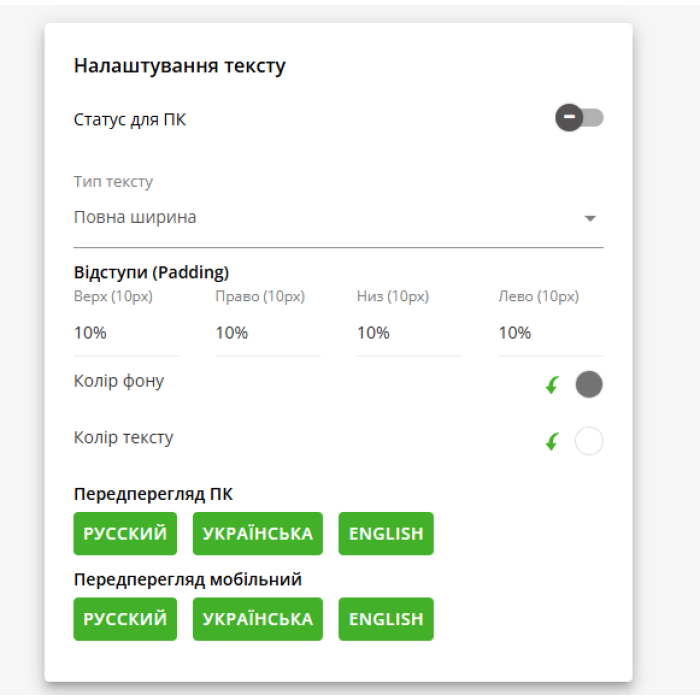
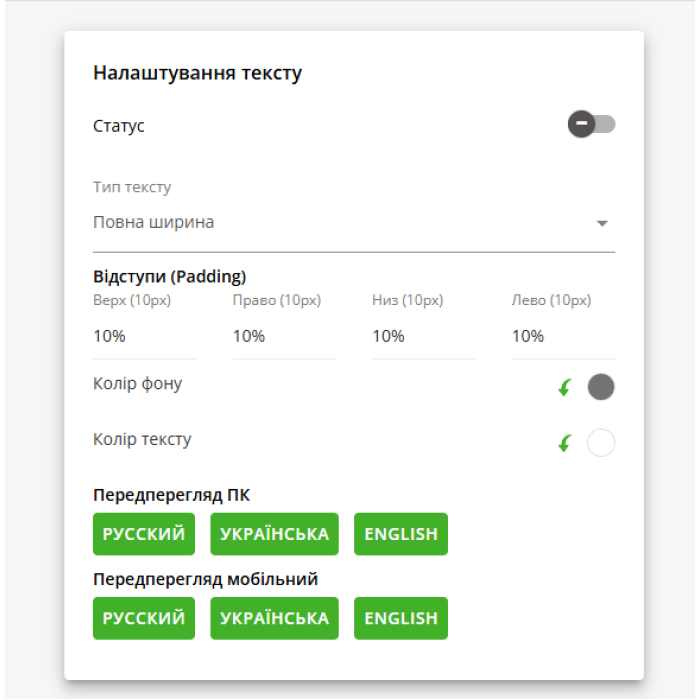
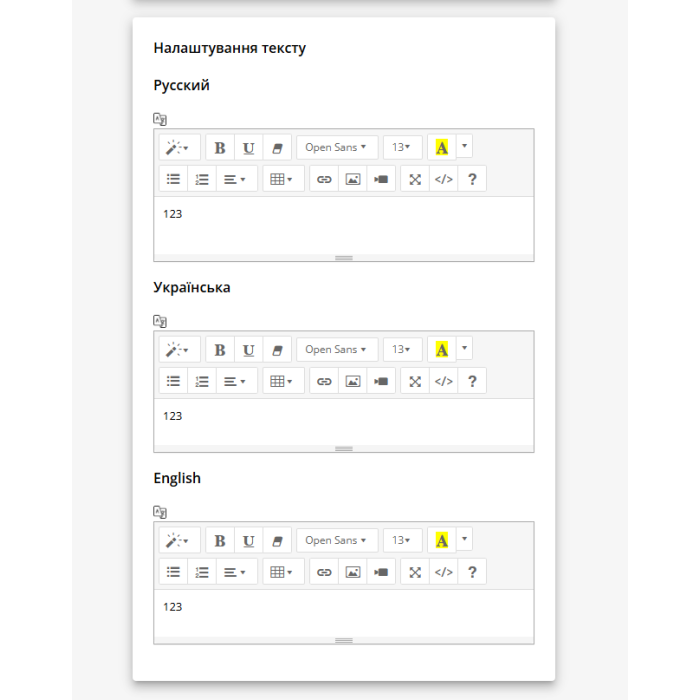
The text block can be enabled and disabled separately. For ease of use, a familiar text editor is provided. As with banners, you can set a different text for each language. The text block can be displayed in three ways: full screen width, site width, or custom width that you specify manually. Additionally, you can adjust padding on all sides so the text doesn’t stick to the edge of the screen. Background and text colors of the block can be customized if text color is not specified in the editor. A preview is provided to see how the text block will look on different devices.
To use the module, download and install it through the OpenCart installer. Then enable the module and configure it according to your needs. After that, the module will work, displaying the information bar with banner and text on your website.
| Main | |
| OpenCart/ocStore | 2.3, 3.0 |
| Module version | 2.0 |
| Localization | ua, ru, en |
| PHP version | 5.6, 7.1-7.4, 8.1-8.2 |
| Ioncube Loader | Not |
| Template support | Default |
| Activation method | Auto |
| License type | One domain + subdomain |
| Adaptation | Paid |